01
Open the platform
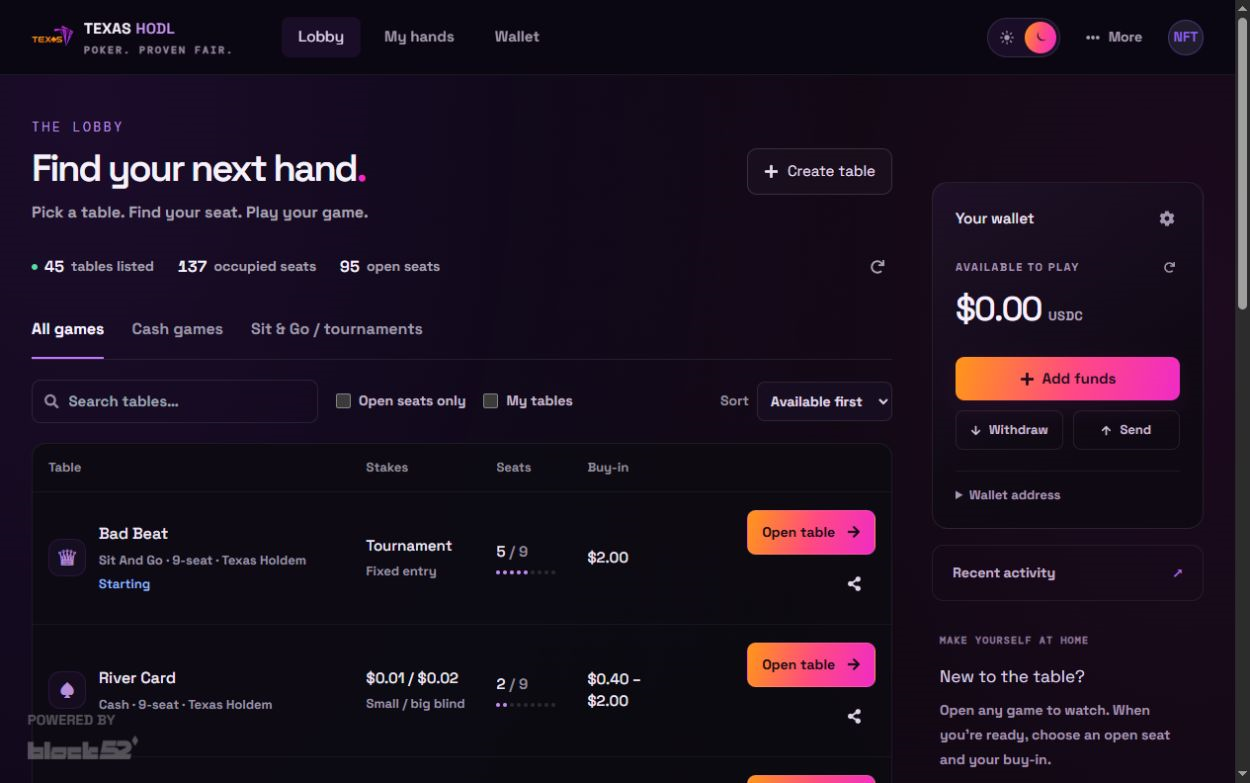
Select Play now to open the live Texas HODL tables.
 Play now ↗
From wallet to table
A simple visual guide from wallet setup to your first hand.
Select Play now to open the live Texas HODL tables.
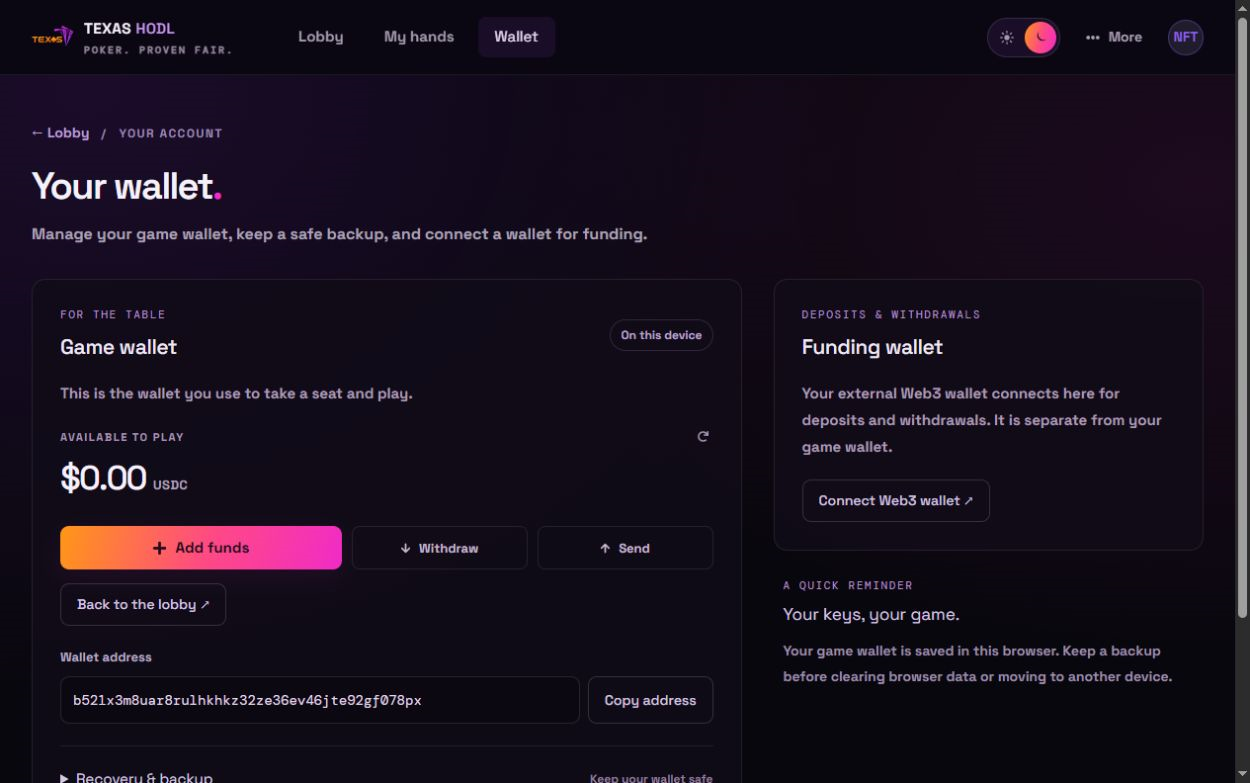
Open Wallet in the top navigation, or select Manage wallet in the lobby. Your game wallet holds the funds you use at the tables. Use Recovery & backup to keep a secure backup before clearing browser data or changing devices. Never share your recovery phrase or private key.
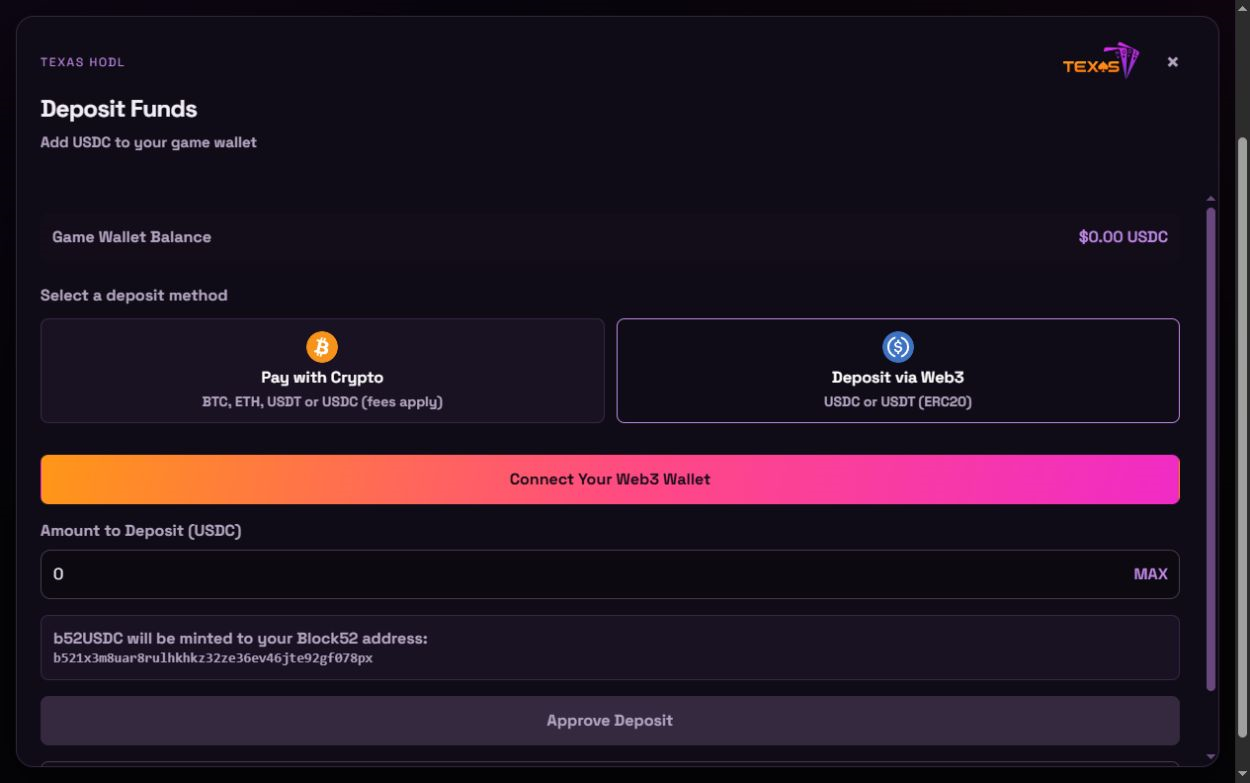
From your game wallet, select Add funds. Choose Pay with Crypto or Deposit via Web3 and follow the instructions shown. Check the currency, network, amount and any fees before sending funds.
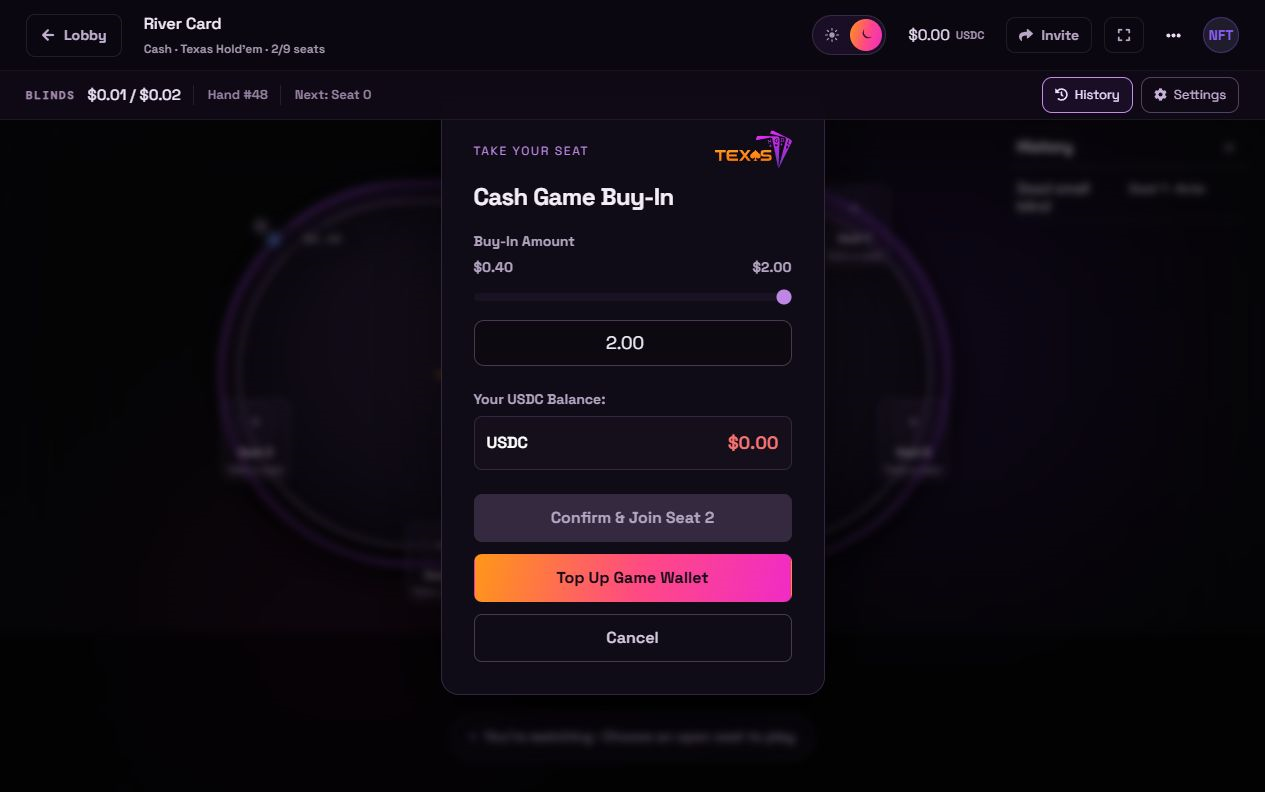
Choose Open table in the lobby to watch a game. Select an open seat to see the buy-in form. Choose an amount within the table limits and review your balance before selecting Confirm & Join.
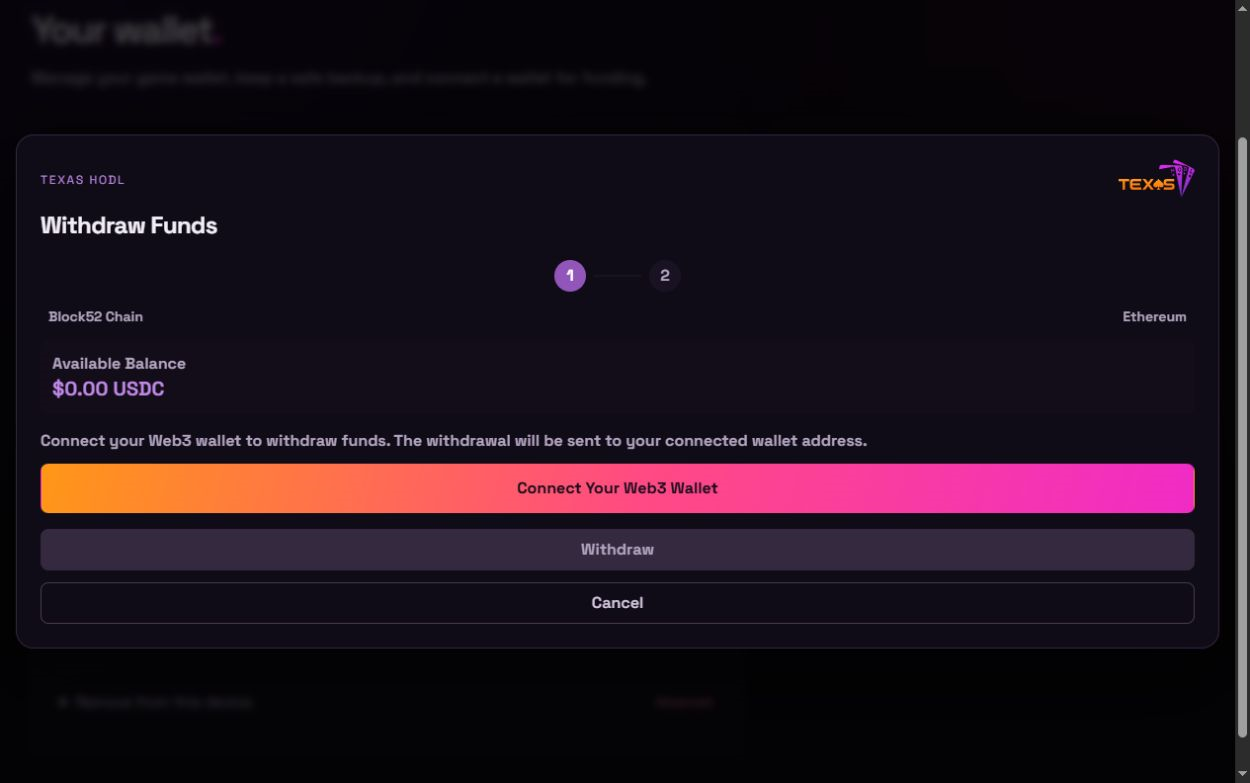
Return to Wallet and choose Withdraw. Connect the Web3 wallet that should receive the funds, then review the destination, network, amount and withdrawal steps before confirming.
Texas HODL support will never ask for your seed phrase or private key. Check every transaction before approving it.